Build a photography website from Notion: organize series with captions, start from the Field Archive theme and publish on your own domain from $6 a month.
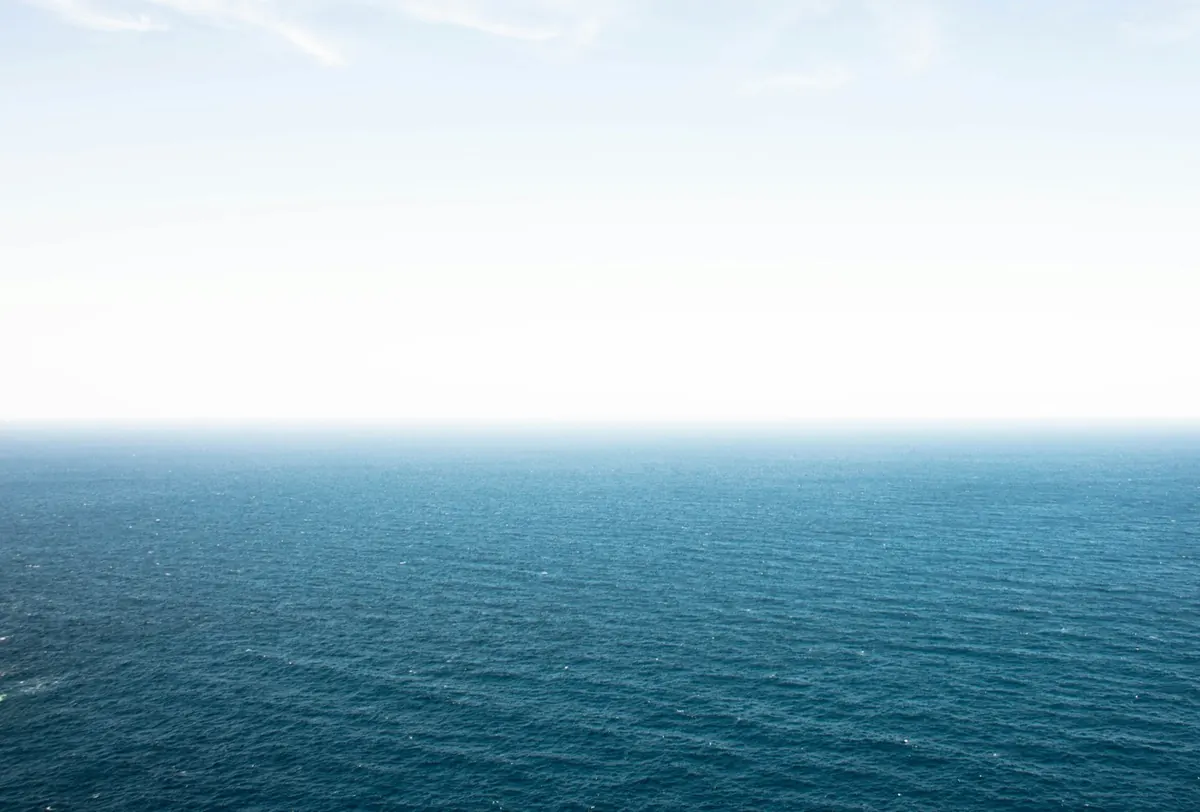
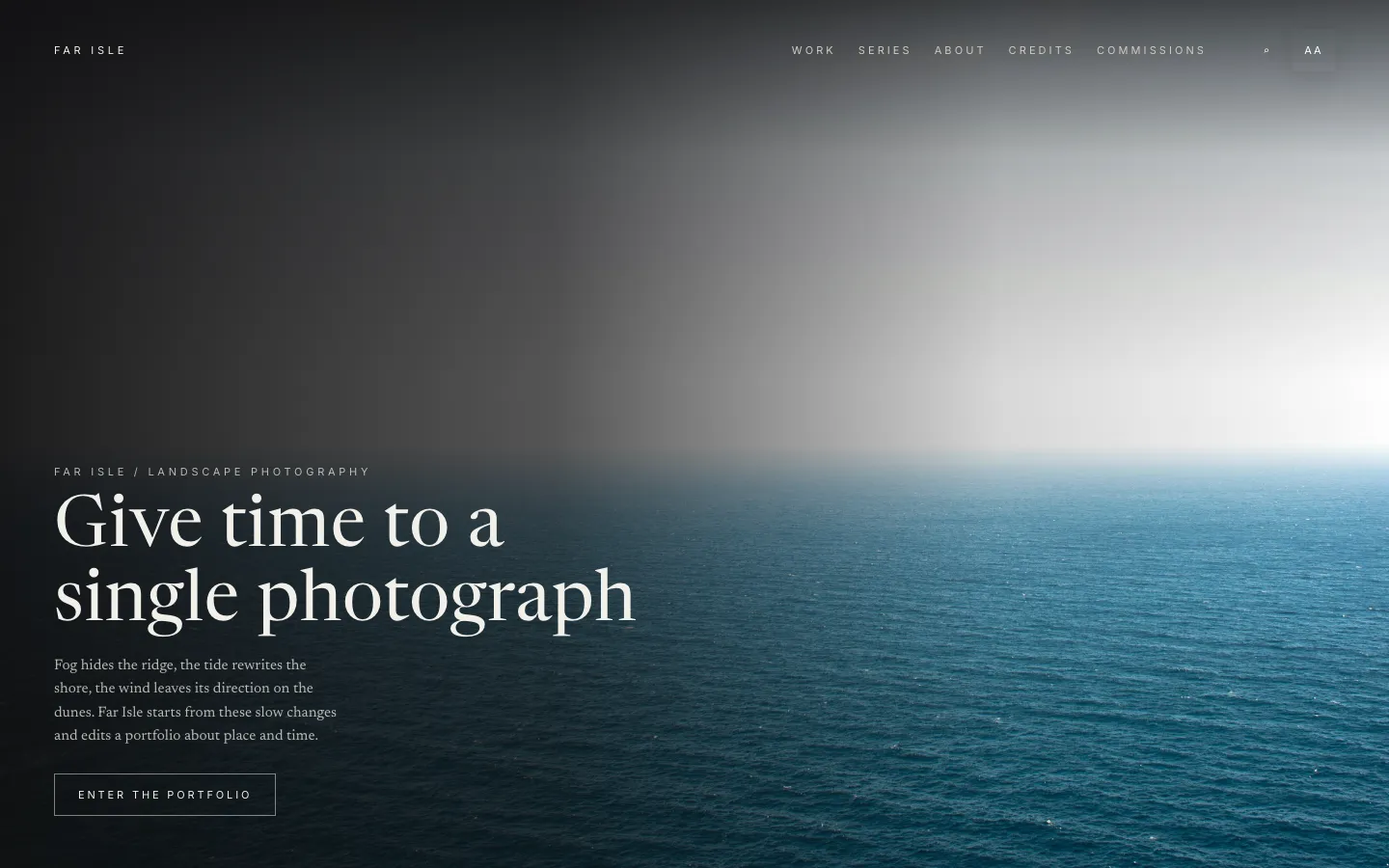
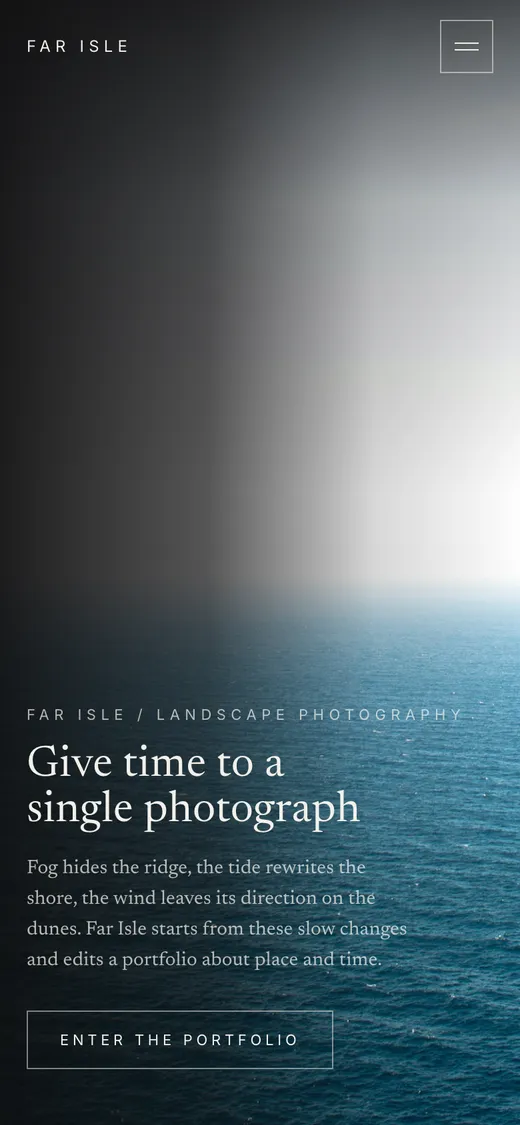
A landscape portfolio built as a dark gallery. The home page opens on one photograph filling the screen, and the series follow edge to edge, like turning the pages of a book.
A full-screen cover and a full-width photo for each series
Series pages with large photos and notes on each image
Give each series a cover, a short summary and place or theme tags; put the photos in the page with a caption under each.
02
Export images for the web
JPEG or WebP, usually 2,000 to 3,000 pixels on the long edge. Keep the full-resolution originals in your own archive.
03
Connect and publish the first series
Map the fields, add Place as a custom field, and use a filter rule so only finished series are published.
04
Start from Field Archive
Field Archive shows photographs in black and white by default; ask Theme studio for full color if your work needs it.
Series
Photographs as series, not an endless stream
Three finished series make a better first version than thirty loose photographs. Click a photo below to open it full screen.
No. 03Hills between the mist
Six mornings on the same hill, waiting for the fog to lift.
Place
Trentino, Italy
Time
Oct 2023, dawn
Camera
35 mm
The full guide
Every step in detail, with what to check before you share the site and when another tool fits better.
Organize the work as series
A photography site reads best as a set of complete series rather than one long stream. Give each series a title, a place or subject, a date and a short introduction that tells a visitor why the pictures belong together. Three finished series make a stronger first version than thirty loose images.
In Notion, a database works well: one row per series, with a cover image, a short summary, tags for place or theme, and the photographs in the page body with a caption under each. Notion stays your working archive, and Newmade publishes only the rows you choose.
Sequence matters as much as selection. Open each series with the image that sets the scene, vary the rhythm between wide and close frames, and end on a picture that closes the story. Reorder blocks in Notion and the site follows on the next sync.
Prepare images for the web
Export web-sized JPEG or WebP files from your editing tool, typically 2,000 to 3,000 pixels on the long edge, and keep full-resolution originals in your own archive. Very large originals slow pages down without looking better on a screen.
Write captions that add what the picture can't say: the place, the moment, the story behind the frame. Check that you have permission to publish every photograph, especially portraits, and credit collaborators such as assistants or models.
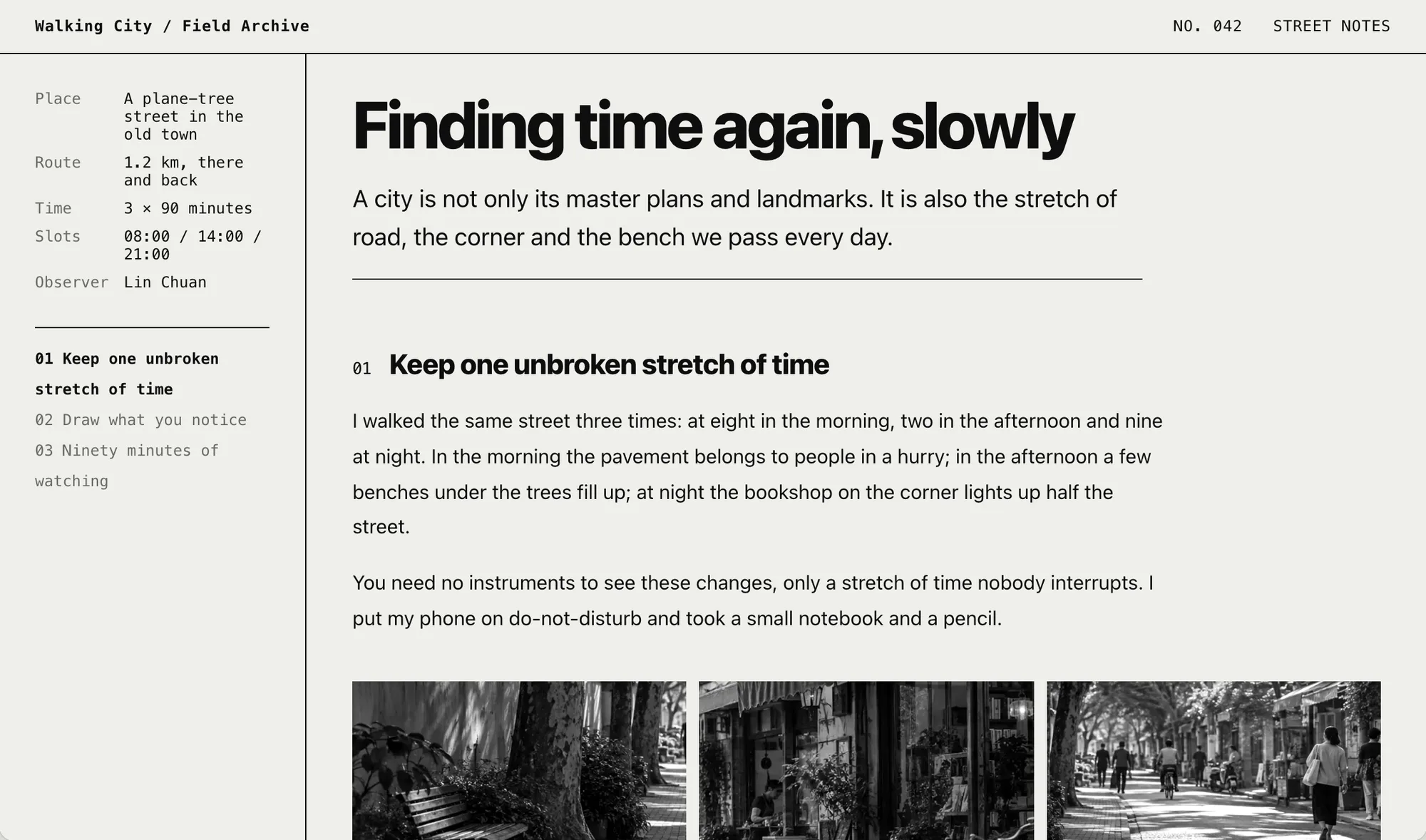
Field Archive, the starting theme suggested for this page. Change any part of it in Theme studio.
Start from Field Archive
The Field Archive theme pairs images with context: a masthead for the series, a column for place, date and notes, section navigation and captioned images. The Field Archive theme page has desktop and phone previews and example change requests. Far Isle, the example site on this page, is a published photography portfolio with series pages and notes on each image; it is a Newmade sample, not a client site.
Visitors can open any photograph in a full-screen image viewer, so images can sit at a comfortable size in the page while the detail stays one click away. In Theme studio, ask for the changes your work needs: full-color images (the starter shows photographs in black and white), a darker background for night images, a tighter grid for contact sheets, or captions beside the image on desktop and below it on phones.
Connect Notion and publish a first series
Create a site and connect Notion. The database doesn't need to be public, because Newmade reads only the pages you share with it. Map title, slug, published date, excerpt and tags, and add Place or Notes as custom fields so Field Archive’s record column can show them. If unfinished series live in the same database, add a filter rule such as “Status is Published” so they stay private; without a rule, every row syncs.
Sync, then check one complete series: covers, caption order, portrait and landscape images side by side, and the way back to the archive. Publish on the Newmade subdomain first and open the site on a phone while signed out.
Add your domain and protect private work
A custom domain comes with the Personal plan at $6 a month, which also removes the Newmade badge. Add the domain in the site's settings, create the DNS records shown and wait for verification and HTTPS before you share the address.
For a client preview or work in progress, password-protect individual pages on Personal and above, and send the password only to the people who should see the work.
Help people find the work
Give each series an SEO title and description that name the subject and place, and choose a strong social image so shared links look right. The sitemap updates as you publish. Add an About page with your background and a contact link you actually check.
Site analytics show which series people open and how they arrive. Use that to decide what to feature on the homepage. Followers can subscribe to the RSS feed at /rss to see new series as you publish them.
Where Newmade may not fit
Newmade isn't a print shop or a client-proofing tool. It has no built-in print sales, paid downloads, watermarking or proofing workflow. If selling prints or delivering galleries to clients is central to your business, a dedicated photography platform will do more, and you can link to it from your Newmade site.
Newmade fits photographers who want a considered portfolio or a place to publish series and the writing around them, without maintaining a separate website builder alongside their Notion archive.
Questions before you start
How large should my images be?
Export web-sized files, about 2,000 to 3,000 pixels on the long edge, and keep originals elsewhere. With an image viewer switched on, as in all the starter themes, visitors can open any image full screen to see the detail.
Can I keep some series private?
Yes. Leave them out with a filter rule so they never sync, or publish them with password protection on Personal and above.
Do I have to use Field Archive?
No. It's a starting point that suits series with context. City Magazine suits photo-led stories, and any theme can be reshaped in Theme studio.
Can I sell prints?
Not natively. Link to your print shop, or embed a third-party store widget with code injection on Personal and above.
How soon do changes in Notion appear?
Free sites sync once a day, Personal and Pro every hour and Studio every 15 minutes. You can also run a sync by hand after publishing a new series.