Build a personal website from Notion with your writing, projects and an About page. Start with Night Reading, then move to your own domain for $6 a month.
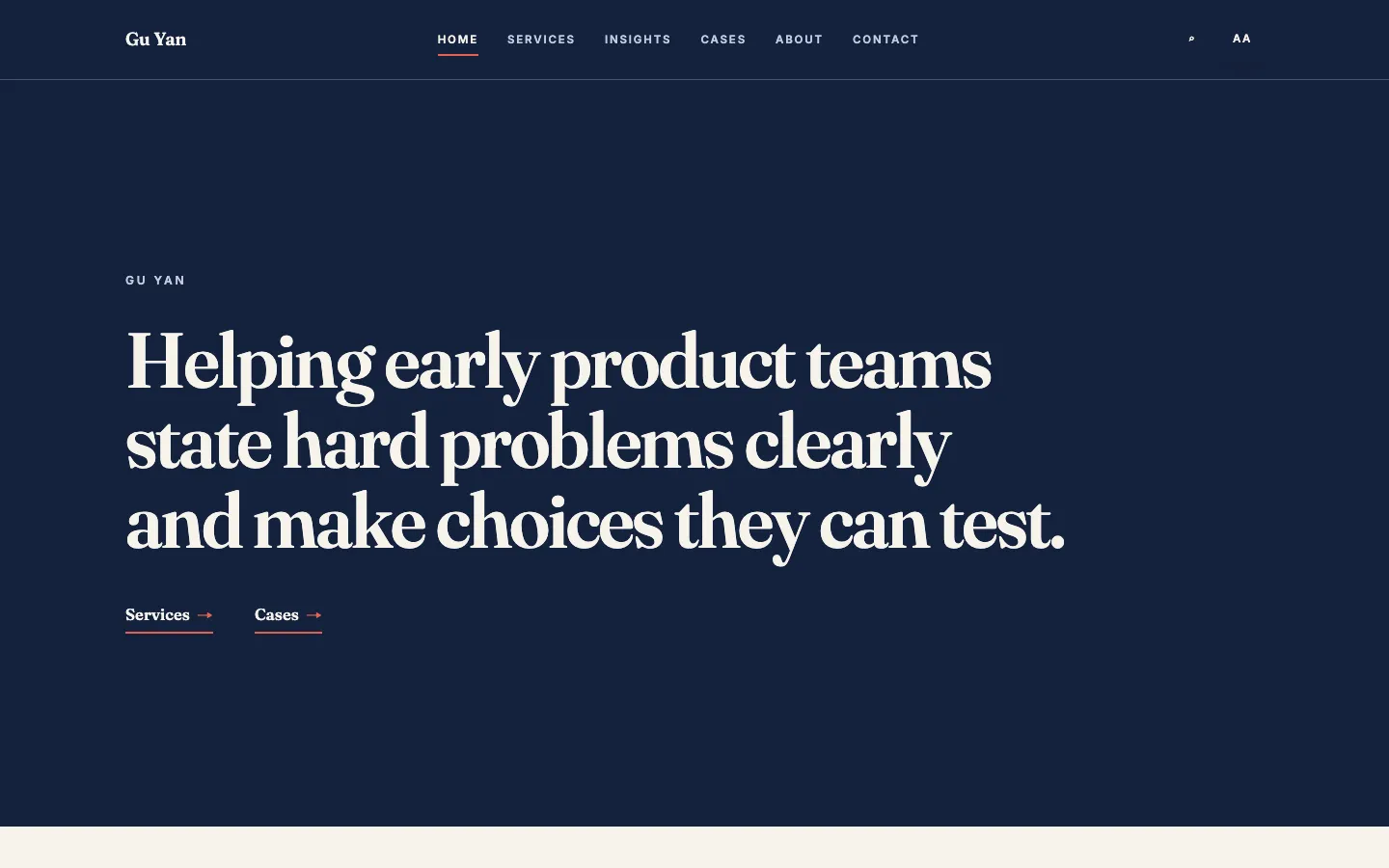
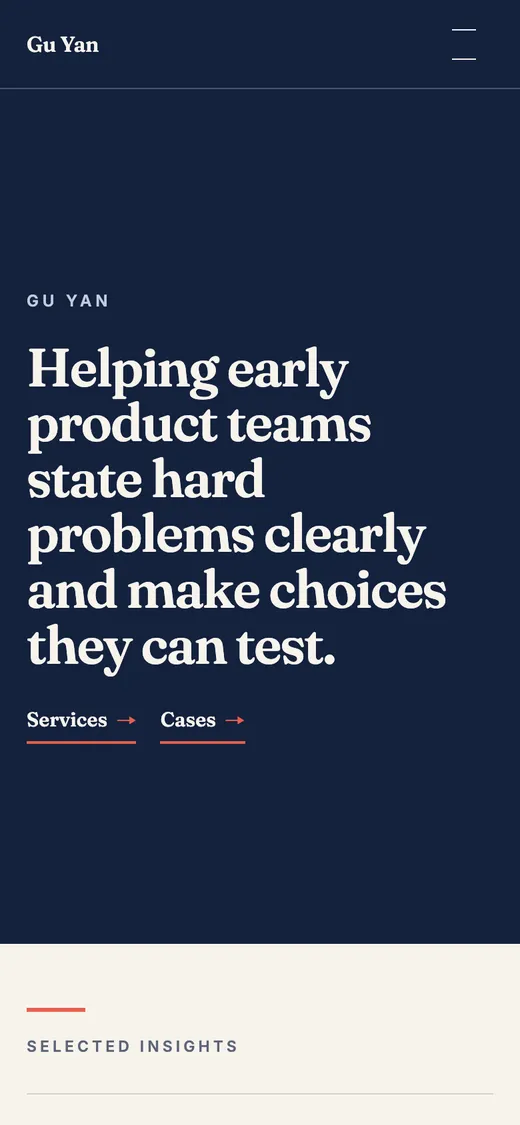
The personal site of a product strategy and narrative consultant, built on type alone: large serif statements on navy and paper bands, numbered insights and no photographs.
Writing, work or being reachable. A first version needs four parts: an introduction, a few projects, recent writing and an About page.
02
Keep the content in Notion
Write in a database; the About page can be a Notion page or one you create in Newmade.
03
Start from Night Reading
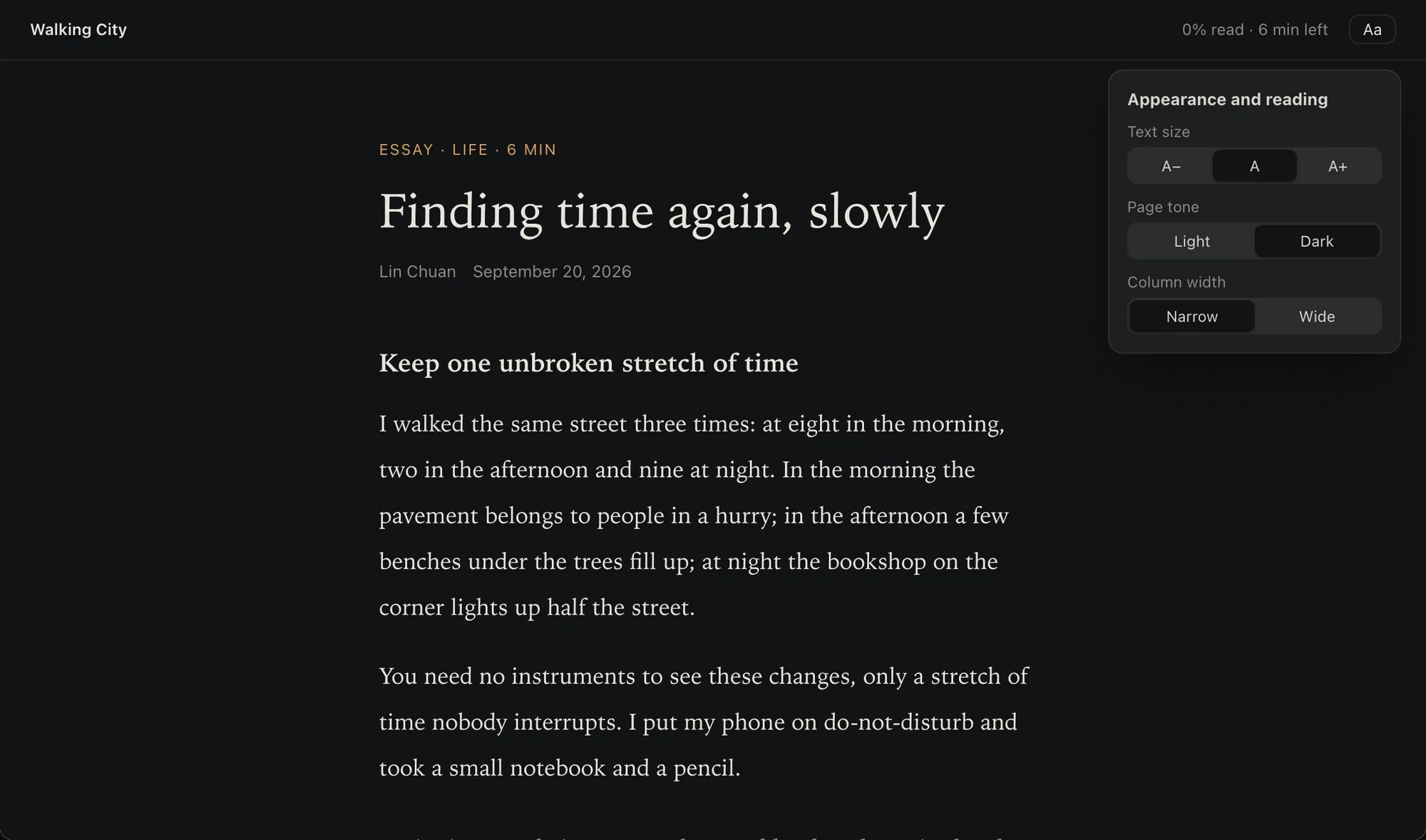
A warm, dark starting point where readers choose text size, light or dark and column width.
04
Tidy the navigation, add your domain
Keep it to four or five items. Personal adds your own domain and removes the Newmade badge.
Home page and navigation
In a few seconds, visitors should know who you are and where to go
A personal site is mostly a few pages and the menu that connects them. Hover the menu to see where each item comes from.
linchuan.example/about
Lin Chuan
I write about cities and draw maps.
Notes on walking and public space, a few mapping projects, and how to reach me.
AboutPage · from a Notion page/about
The full guide
Every step in detail, with what to check before you share the site and when another tool fits better.
Decide what the site is for
A personal site works when a visitor understands who you are within a few seconds and knows where to go next. Pick one main job: share your writing, show your work, or make it easy to contact you. Everything else can come later.
A good first version has four parts: a short introduction on the homepage, a few selected projects, recent writing and an About page with a contact link you actually check. Leave out empty sections; three good pages beat ten placeholders.
Write the introduction for a stranger, not for people who already know you. Say what you do, what you care about and what a visitor can do here, in two or three sentences.
Keep it in Notion
Write in a Notion database; tags label each entry as writing or a project, but they share one list rather than separate pages. Free includes one content source; Personal includes two, so writing and projects can live in separate databases. Write the About page in Notion or create it as a standalone page in Newmade.
Connect with Notion sign-in; your workspace stays private and Newmade reads only the pages you share. Add a filter rule such as “Status is Published” so drafts don't sync; without one, every row is published. Free sites sync once a day and Personal hourly, and you can run a sync by hand to publish a new post right away.
Night Reading, the starting theme suggested for this page. Change any part of it in Theme studio.
Start from Night Reading
The Night Reading theme is a warm, dark starting point for personal writing; its demo includes reader controls for text size, light or dark appearance and column width. The Night Reading theme page shows desktop and phone previews and example change requests.
If your site leans on projects or photographs, Field Archive may suit it better; for essays on a light page, try Paper. In Theme studio, describe what you want: a short introduction above the latest posts, a projects grid on the homepage, a different accent color. Preview on your phone before applying.
Make the homepage and navigation do the work
Keep navigation to four or five items, for example Writing, Projects, About and Contact. Give each section an address you won't need to change, such as /writing or /about, because people will share and bookmark them.
On the homepage, show the newest two or three posts rather than the whole archive, and link to the rest. Test the navigation on a phone, and make sure the contact link is easy to reach from every page. If you write regularly, link to your RSS feed at /rss.
Your own domain and the details that matter
Personal ($6 a month, or $60 a year) connects your own domain, removes the Newmade badge and adds password protection, code injection and 90 days of analytics. Add the domain in the site's settings and create the DNS records shown.
Set a site description and a social image so shared links look right, and give important posts their own SEO title and description. If you write in more than one language, Pro includes three site languages with AI translation.
Review before you share
Open the site on a phone while signed out. Ask a friend who doesn't know your work to find one project and your contact details, and watch where they hesitate. Check long titles, external links and any leftover placeholder text.
After launch, site analytics show what people read and where they come from. Base the next change on that rather than on your first impression of your own homepage.
When something else may fit better
If you only need a link-in-bio page, a single published Notion page or a link service is simpler. If you want a shop, memberships or a newsletter at the center of the site, a dedicated platform will do more; Newmade doesn't include native payments or email.
Newmade suits a site that grows with you: a few pages at first, then more writing and projects, with a design you can keep adjusting instead of rebuilding.
Questions before you start
Can I start for free?
Yes. Free publishes one site on a Newmade subdomain and includes 300 AI credits a month for design changes. Move to Personal when you want your own domain.
Can I mix writing and projects?
Yes. Use one database with tags for a single mixed list, or two databases on Personal and above so Writing and Projects each get their own page in the navigation.
Can I change the theme later?
Yes. Keep refining the current one in Theme studio, or start a draft from another starter through its theme page. Saved versions let you go back.
Do I need to know code?
No. Code injection is available on Personal and above if you want an analytics script or a widget, but the site works without it.
Will the Newmade badge appear on my site?
On Free, yes. The Personal plan removes it and adds your own domain.